Auto Drive – High‑Octane 3D Racing from Play8
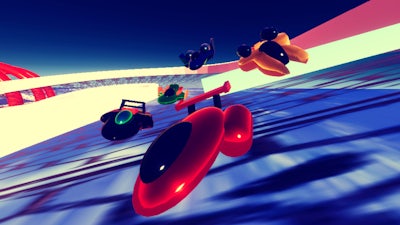
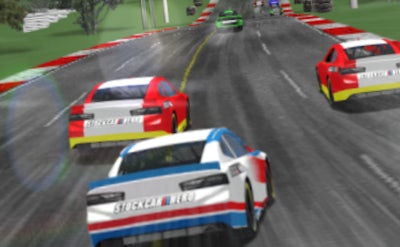
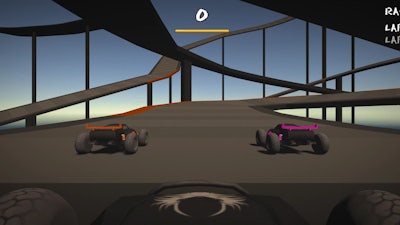
Auto Drive throws you into a chaotic car arena where speed meets firepower. Every lap is a battle, every corner a chance to out‑maneuver an opponent. The game’s sleek 3D visuals make each drift feel real, while the multiplayer mode cranks the adrenaline to eleven. Whether you’re tearing up the solo championship or dueling a buddy in a 2 Player split‑screen, the only rule is: dominate the track and survive the on‑coming barrage.
Auto Drive Controls
Master the cockpit with a clean two‑driver layout. Driver 1 uses the arrow keys, Driver 2 commands WASD. Weapons sit on the home row for instant fire. All bindings are tweakable in the settings menu.
- Driver 1 – Forward: Arrow up
- Driver 1 – Brake/Reverse: Arrow down
- Driver 1 – Steer left: Arrow left
- Driver 1 – Steer right: Arrow right
- Driver 1 – Weapon 1: J
- Driver 1 – Weapon 2: K
- Driver 1 – Weapon 3: L
- Driver 2 – Forward: W
- Driver 2 – Brake/Reverse: S
- Driver 2 – Steer left: A
- Driver 2 – Steer right: D
- Driver 2 – Weapon 1: X
- Driver 2 – Weapon 2: C
- Driver 2 – Weapon 3: V
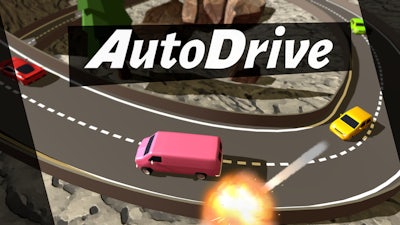
Winning isn’t just about raw speed. Upgrade your car’s engine, armor, and weapon slots with cash earned from each race. Learn the map’s choke points and time your shots to force opponents into the walls. In multiplayer, coordinate with your teammate: one driver can lay down suppressive fire while the other grabs the lead. Keep an eye on the mini‑map for incoming power‑ups—snagging a turbo boost at the right moment can turn a losing race into a victory lap.
Pro Tips for Multiplayer Dominance
Stay aggressive but smart. Early in the race, prioritize weapon upgrades that offer area damage; they clear the path for a clean line through tight corners. Mid‑race, switch to precision weapons to chip away at rival armor. In the final stretch, lock onto a single target and unleash a barrage—most opponents won’t survive the onslaught. Remember, the split‑screen mode lets you practice tactics without latency, so fire up a local match, refine your lane changes, and bring that polish to the online arena.
Ready to prove you’re the fastest gun on the track? Grab Auto Drive now, fire up the engine, and dominate the leaderboards. Play8 brings the heat—jump in, lock‑and‑load, and let the carnage begin.
Controls can be changed in the settings.