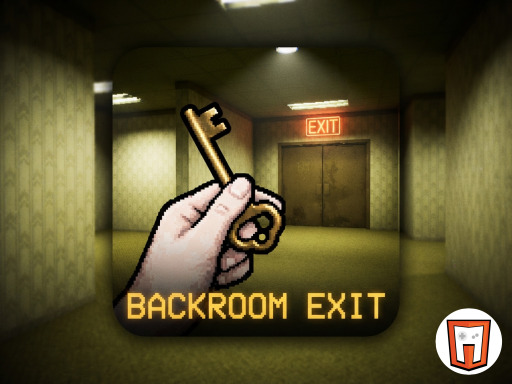
Backroom Exit – The Ultimate Escape Challenge
Trapped in a maze of buzzing fluorescents and stale carpet, you’re stuck in a nightmare Room that never ends. Every hallway feels tighter, every shadow deeper. The goal? Find the single Escape door before the space closes in. Play8 delivers a pulse‑pounding first‑person puzzle grind that tests nerves, memory, and quick thinking. Built on Unity3D, the game feels smooth, eerie, and dead‑simple to pick up – but brutal to master.
Backroom Exit – Core Mechanics
Controls are stripped down to the essentials, letting you focus on the hunt. Move, look, interact, and manage inventory without fumbling through menus.
- Use the WASD or arrow keys to move
- Use the mouse to rotate the view
- Left click to interact
- mouse scroll to swap inventory items
- With TouchScript you can move using the joypad
- Interact with the hand button
- Select inventory items to equip them
- Swipe t
Backroom Exit – Strategy Tips
Don’t sprint blindly. Scan every wall for subtle clues – a scuffed tile, a faint glow, a misplaced object. Those details are the keys to hidden compartments. Combine items in your inventory smartly; a taped‑up flashlight can reveal a secret panel, while a bent pipe might pry open a jammed door. Keep an eye on the ambient sound: a low hum signals a nearby vent, a distant creak hints at a fresh pathway. Manage your inventory space; hoarding junk slows you down. When you locate a potential exit, double‑check the surrounding area for secondary puzzles – the real door often hides behind a false wall.
Ready to test your wits? Jump into Backroom Exit now and see if you can outsmart the endless corridors. Play8’s latest horror‑puzzle hybrid won’t let you rest until you’ve cracked the final lock.
Use the WASD or arrow keys to move Use the mouse to rotate the view Left click to interact mouse scroll to swap inventory items With TouchScript you can move using the joypad Interact with the hand button Select inventory items to equip them Swipe t