Stadtfahrer – Urban Chaos in 3D
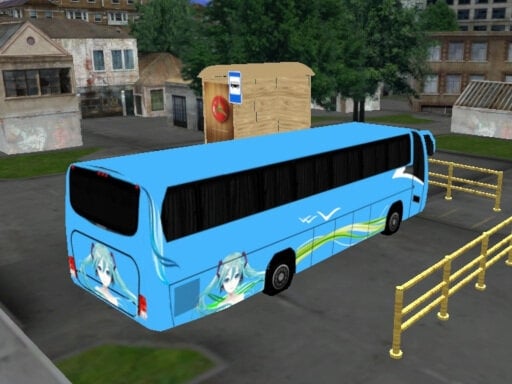
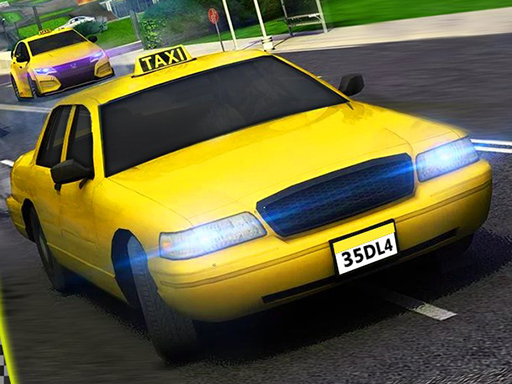
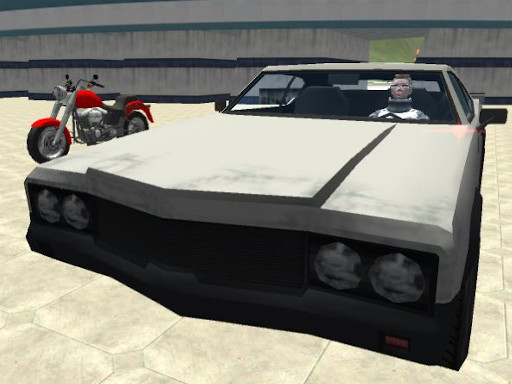
City streets become a playground when you grab the wheel. In Stadtfahrer, every alley, boulevard, and parking lot is a chance to dominate the traffic. Fast‑paced Driving, slick 3D visuals, and a sandbox of Cars mean you never run out of ways to cause mayhem. Play8 delivers a pure adrenaline rush that keeps you glued to the screen, whether you’re cruising in a compact hatchback or revving a roaring motorcycle.
Mechanics
Controls are tight, responsive, and built for quick mastery. Move, brake, and shift your perspective with a handful of keys, then watch the city respond.
- Kontrollen WASD oder Pfeiltasten
- Auto fahren
- Platz Handbremse
- C Taste zum ndern der Ansicht
- Kamera Schalten
- Auto aufladen
- R Szene zur cksetzen
- F Fahrzeug ein- aussteigen
- Seite hoch runter um
Strategy
Winning isn’t just about speed; it’s about positioning. Start by scouting the city from the rooftop view (press C) to spot traffic hot spots. Pick a Car that matches your play style—lightweight rides zip through tight gaps, while heavy‑duty trucks bully slower opponents. Use the handbrake to drift around sharp corners, then charge your engine with the auto‑charge function to burst past rivals. Keep an eye on the fuel gauge; a depleted tank forces a nervous pit stop. Mastering the “scene reset” (R) lets you recover from a bad crash without losing progress, so you can experiment with risky overtakes. As you rack up points, unlock new vehicle skins and upgrade the engine, suspension, and nitro. The deeper you dive into the 3D city, the richer the rewards—new districts, hidden shortcuts, and exclusive Cars become available.
Jump in now and claim the streets as your own. Play8’s latest WebGL‑powered title runs smooth in any browser, thanks to Unity3D’s optimized engine. The city never sleeps, and neither should your ambition. Grab the wheel, fire up the engine, and show the metropolis who the real driver is.
Kontrollen WASD oder Pfeiltasten Auto fahren Platz Handbremse C Taste zum ndern der Ansicht Kamera Schalten Auto aufladen R Szene zur cksetzen F Fahrzeug ein- aussteigen Seite hoch runter um