Mini Tanks io – Fast‑fire Cartoon Combat
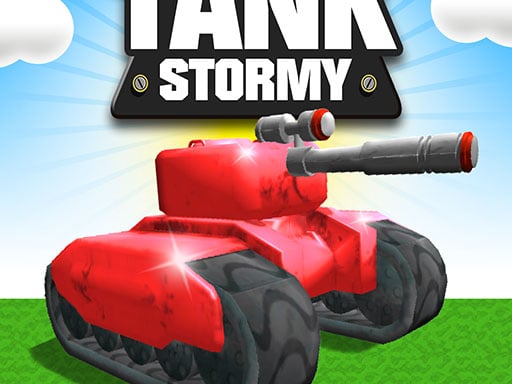
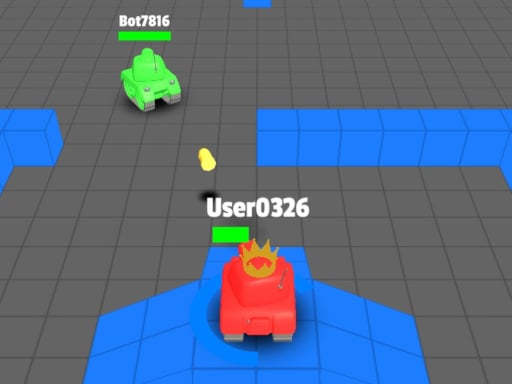
Play8 drops a bite‑size battlefield that feels like a Saturday morning cartoon, but with the raw bite of a real‑time shooter. Tiny tanks zip across a vibrant arena, each one ready to blast opponents with rapid fire. The game runs on Unity3D and streams flawlessly via WebGL, so you can jump in from any browser without a download. If you love quick matches, bright visuals, and a competitive edge, this is the arena you’ve been waiting for. Every match is a fresh scramble for domination, and the leaderboard updates faster than a cannonball.
Mini Tanks io – How to Play
Controls are stripped down to the essentials, letting you focus on pure skill. Master the arena with these inputs:
- WASD – move your tank forward, backward, and side‑to‑side.
- Left mouse click – fire your cannon at anything that moves.
Two game modes keep the action fresh: a classic deathmatch where the last tank standing claims victory, and a timed mode that pushes you to rack up kills before the clock runs out. Power‑ups spawn randomly, granting temporary boosts like speed, shield, or rapid fire. Grab them, stay aggressive, and watch your score soar.
Play8 Strategy Guide
Winning isn’t just about reflexes; positioning decides the match. Stick to the edges early to avoid crossfire, then creep toward the center as power‑ups appear. Keep your turret rotating while you move – a stationary tank is an easy target. When you spot a power‑up, dash for it, but watch the opposite flank; opponents love to ambush distracted players. Upgrade your tank’s fire rate by chaining kills; the game rewards aggressive play with faster reloads. Finally, study opponent patterns. Most players circle clockwise; breaking that rhythm forces them into a defensive stance, opening up easy shots.
Ready to dominate the arena? Jump straight into Mini Tanks io and prove you have the fastest reflexes on Play8. The battlefield is waiting, the tanks are loaded, and the next high score could be yours. Fire up, lock on, and make every shot count.
Controls WASD to move Left mouse click to shoot